Your headshot is often a client’s first introduction to you. But you might hate having your photo taken. That’s fine!
Turn up ready and I’ll do the rest.
Your headshot does a lot of work. On LinkedIn, it’s a small circle next to dozens of others. On your website, it’s often the first thing a client sees, before they even read a word.
And, as you know, people make up their minds (rightly or wrongly) about a face and a personality very quickly. In fact, it’s less than a second!
So it’s worth getting right.
Here’s how I prepare my clients, even if they would rather be somewhere else.
What to wear
Bring two or three tops. It gives us options without eating into your session.
Headshots are cropped at the shoulders, so the neckline matters. Higher necklines work best because they frame the bottom of the photo. (A low or scooped neck can disappear in a close crop.)
Go for plain colours, neutrals or your brand colours. Avoid logos, words and busy patterns. They pull attention away from your face and make the photo harder to crop.
Wearing a tie? Check the shirt collar and the tie work together. Different collars suit different ties, and different faces.
Make-up
Keep it lighter than you think. Most people wear more than they need for a photoshoot.
If you'd like it done professionally, a department store make-up counter will do it. Tell them it's for a photoshoot with studio flash.
Bring a powder for any shine under the lights.
Hair
If you'd like your hair done, book it for the same morning and make a morning of it.
For men, a haircut that's a couple of weeks old usually looks better than one from the day before. (A tip I learnt from my sister, who works in hair.)
If your hair tends to move, bring a few clips.
Glasses
Bring them if you normally wear them. If people know you in glasses, your headshot should show you in glasses.
Choosing a background
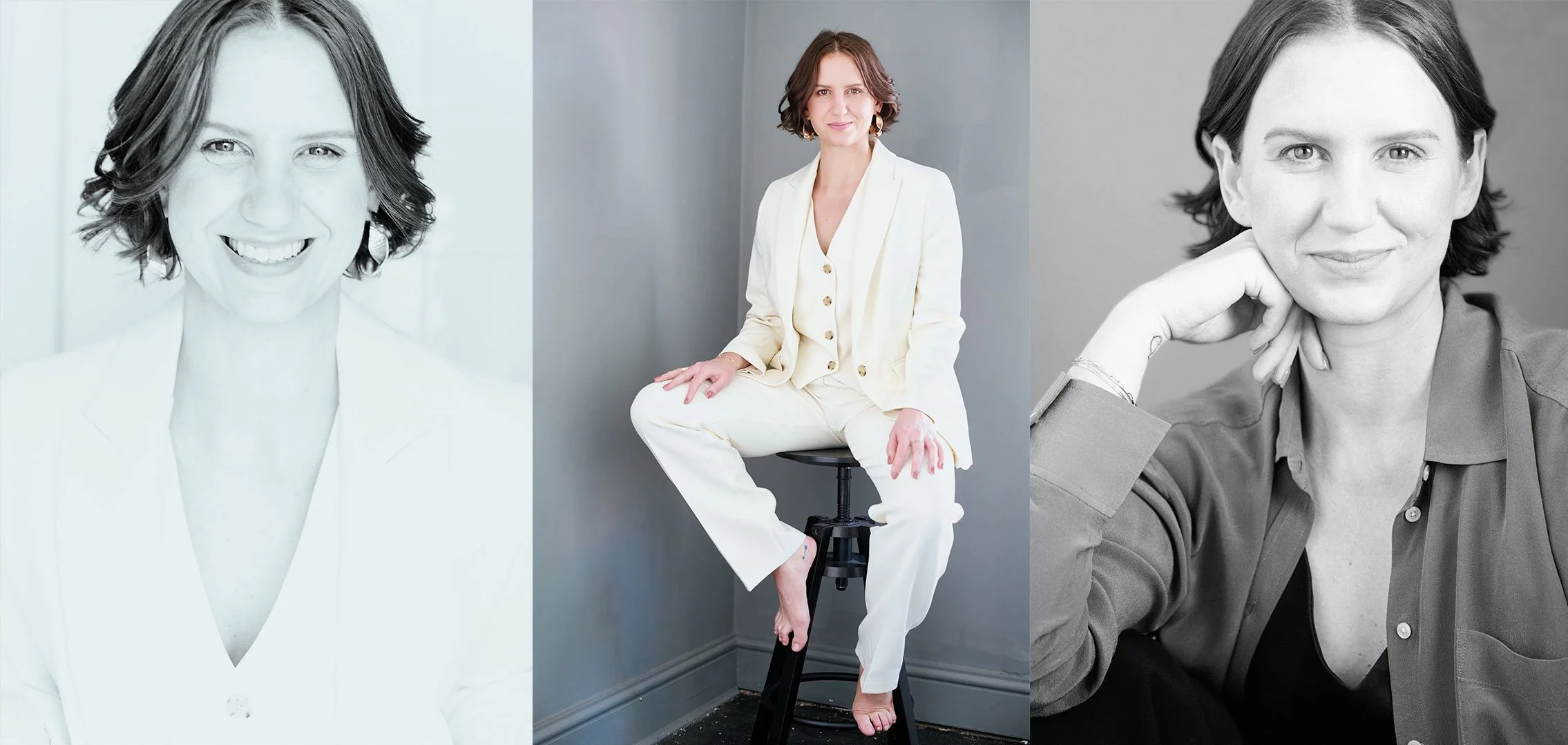
Grey is my standard. It suits most skin tones and sits well on most websites.
White is the classic. If your company's team page already uses white, I'll match it.
Black is more dramatic and suits creative work.
You can also go for your brand colour. It's a quiet way to tie your headshot to your brand. (A custom background colour is £15 per image.)
Want your logo behind you? It can look great, but it limits how you crop the photo later. Tell me before the session and I'll build it into the framing.
Smiling or serious?
Decide before the session what you want the photo to say. Warm and approachable? Calm and assured? If you're not sure, we'll try both.
Be yourself. The best headshot looks like you on a good day, not like someone you're pretending to be.
Think about where it's going, too. LinkedIn wants a close crop. A website banner might need a wider, landscape frame. It's easier to shoot for it than to crop for it later.
Hate having your photo taken?
Most people do. Here's how I make it easier:
- I explain everything as we go, so you always know what's happening.
- I coach your expression one small step at a time.
- You see every shot on a computer screen as we take it. No surprises.
One client, a self-confessed camera-shy introvert, said I was "calm, kind, and made the whole process feel relaxed and fun." (Antoinette Forbes)
Made to stand out at thumbnail size
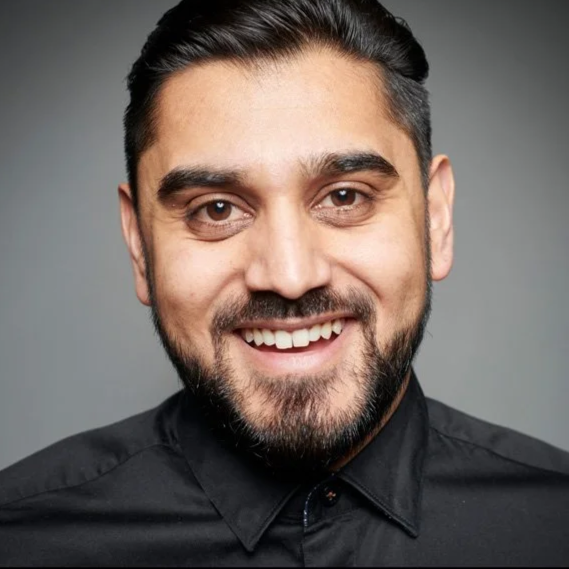
At LinkedIn size, a flat, softly lit photo turns into a grey blur.
I learnt my trade when photos were printed in magazines on cheap paper. You lit for contrast, so the face held up even when the print quality didn't. I light your headshot the same way: clear shape, bright eyes, and enough contrast to stand out at any size.
What a good headshot does for you
Clients feel they know you before you meet, whether that's across a meeting room or on a Zoom call. It builds trust before you've said a word.
One photo works everywhere: LinkedIn, your website, speaker bios, press and proposals. (Business use is included, with no licensing fees.)
And you'll actually want to use it! Most people hide their headshot. A good one is a photo you're proud to post.
"I now feel more professional than ever before." (Leah Tomlin, Executive Leadership Coach)
What you walk away with
- Three finished images within 48 hours, in time for a LinkedIn update or an event deadline.
- Lit to stand out at thumbnail size.
- Chosen by you, on screen, during the session.
- Yours to use anywhere for your business.
- Not happy? A free reshoot or a full refund.
On the day
My studio is at 18 Montgomery Street, Bristol BS3 4SE, halfway down the street. Parking outside is free. The road is narrow, but there are usually spaces.
The studio is on the first floor, up a steep staircase. If stairs are difficult for you, get in touch and we can talk about a session at your location instead.
Arrive a few minutes early so we can chat before we start. The session takes 30 minutes. Pick your three images at the end, or choose from your edited gallery, which arrives within 48 hours.
Booking for your team?
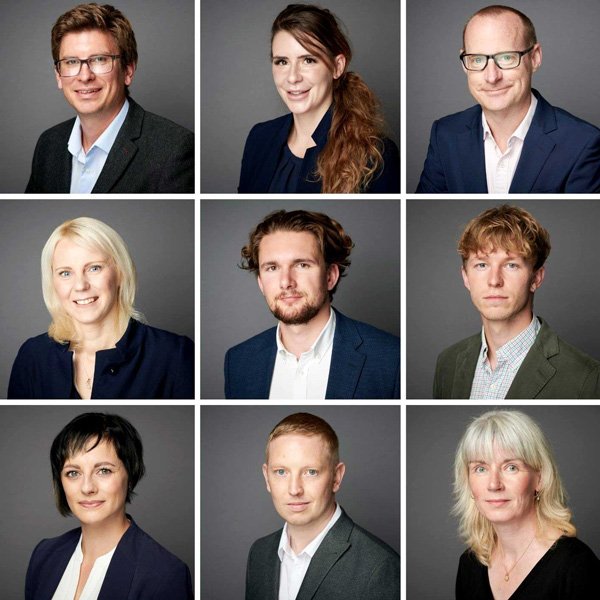
I bring a mobile studio to your office and photograph everyone in one day. Same background, same light, so every headshot on your team page matches. See team headshots.
Headshot FAQs
What should I wear for a headshot?
Two or three plain tops with higher necklines. Neutrals or your brand colours work best. Avoid logos and busy patterns.
Should I wear glasses in my headshot?
Yes, if you normally wear them. People should recognise you when they meet you.
How long does a headshot session take?
30 minutes in my South Bristol studio. Your edited images arrive within 48 hours.
What if I hate having my photo taken?
Most people do! I coach you one small step at a time, and you see every shot on screen as we go.
Ready to book? A 30-minute session in my South Bristol studio, with three finished images within 48 hours.